How dog walkers can manage bookings without stress
•Reading time: 5 minutes
Running a dog walking business should be about spending time with dogs, not constantly checking calendars, searching through messages or worrying that you've forgotten a booking.
As your client list grows, managing bookings can quickly become one of the most time-consuming parts of running your business. A few clients and a handful of weekly walks might be easy to keep track of. But once you have multiple dogs, different services, regular bookings, cancellations and payments to manage, things can become much harder.
The good news is that you don't need a complicated system to stay organised.
A few simple processes - supported by the right tools - can make managing your dog walking bookings much easier.
Keep all your bookings in one place
One of the biggest sources of stress for dog walkers is having booking information spread across different places.
You might have some bookings in your phone calendar, others in WhatsApp messages, recurring walks written in a notebook and client details stored somewhere else entirely.
This can work for a while, but it becomes increasingly difficult to know which information is the most up to date and to avoid clashes or double bookings.
Instead, aim to have one central place for your bookings. Your booking system should make it easy to see:
- Which dogs you are walking
- When each walk is scheduled
- Which service has been booked
- Which client the booking belongs to
- Whether a booking has been completed
- What still needs your attention
Keeping everything together means you spend less time looking for information and more time actually running your business.
Make your daily schedule easy to understand
A calendar is useful, but simply having a calendar doesn't necessarily make your day easier.
When you start work each morning, you should be able to quickly answer:
What do I need to do today?
You shouldn't have to open several apps, scroll through old messages or mentally piece together your schedule.
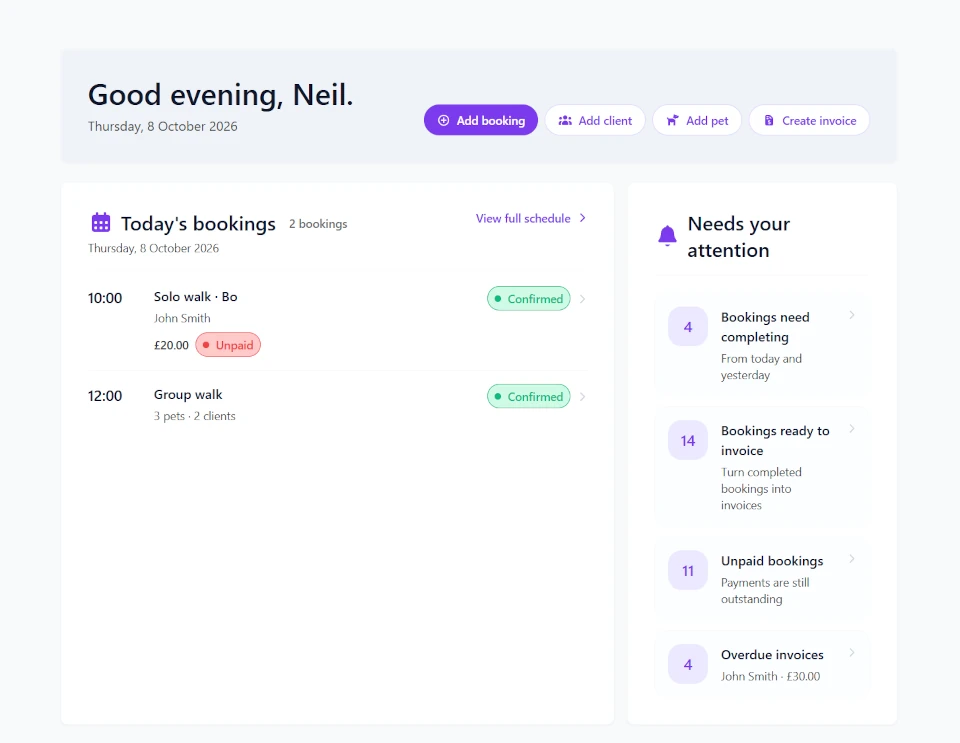
A good dog walking booking system should give you a simple overview of your upcoming work, while making it easy to drill down into the details you need, when you need them.
For example, you might want to see today's bookings at a glance, then quickly check a particular client's details or a dog's information before heading out.
This is one reason a dedicated daily operations dashboard can be useful. Rather than showing you lots of statistics that don't help you get through the day, it can focus on the things that actually need your attention.
Keep client and pet information connected to bookings
A booking isn't just a date and a time. It's connected to a client, a pet and a service.
Keeping those details connected can save you from repeatedly searching for information. For example, instead of having:
Tuesday, 10am - Bella
you can have a booking connected to Bella's pet profile, her owner and the service being provided. That becomes particularly useful as your business grows.
You may eventually have several dogs with similar names, multiple members of the same household or clients using different services.
A central client and pet management system means you can keep those details organised without relying on your memory.
Use consistent services and pricing
Another simple way to reduce booking admin is to define your services rather than manually entering everything each time. You might offer:
- 30-minute individual walks
- 60-minute individual walks
- Group walks
- Puppy visits
- Dog sitting
- Additional pet care services
Having these services set up with their prices makes creating bookings quicker and reduces the chance of entering inconsistent information.
It also becomes important later when you're looking at completed bookings and creating invoices.
The less information you have to manually enter every time, the less opportunity there is for mistakes.
Don't let completed bookings disappear
It's easy to focus entirely on your upcoming bookings. But once you've completed a walk, there's another important question:
Has that booking been accounted for?
Completed bookings can become the bridge between your schedule and your finances.
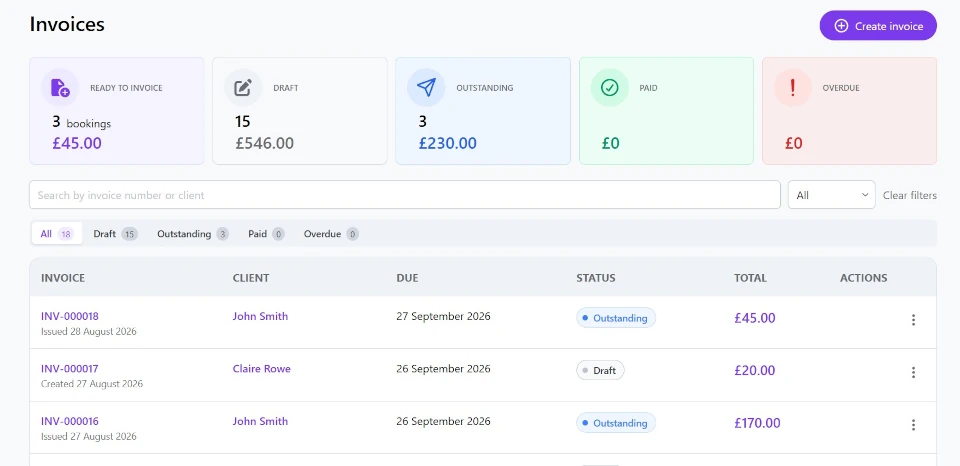
Once a booking has been completed, you should be able to easily identify it as completed and, where appropriate, include it in your invoicing process.
This creates a much clearer workflow:
Booking → Complete → Invoice → Payment
Instead of trying to remember which walks you've already charged for, your booking records can become the foundation of your financial admin.
This is particularly useful if you invoice clients weekly or monthly.
Make invoicing part of your normal workflow
Invoicing is one of those jobs that is easy to put off. Let's face it, nobody likes doing it, especially when you're busy. You've finished the walks, dealt with clients and dogs all day, and the last thing you want to do in the evening is a load of admin.
The problem is that delaying invoicing can make your admin harder - and delay getting paid.
A better approach is to build invoicing into your regular workflow. For example:
During the week: Complete your bookings.
At the end of the week or month: Review completed bookings and create your invoices.
After invoices are sent: Keep track of what's been paid and what is still outstanding.
A system that connects bookings and invoices can make this process much simpler.
With Leadr, for example, completed bookings can be used to create invoices, while invoices can then be tracked through stages such as Draft, Outstanding, Paid and Overdue.
That means your booking system isn't just helping you organise your diary, it's also helping you keep track of the money those bookings generate.
Have a simple process for changes and cancellations
Things don't always go according to plan. Clients cancel walks. Dogs get sick. You need to move a booking. A regular client changes their schedule. A last minute ad-hoc request comes in.
The important thing isn't trying to prevent changes. It's having a straightforward way of dealing with them.
When a booking changes, update your central booking system rather than relying on a message or your memory. That way, your schedule remains the source of truth.
It also reduces the risk of an old calendar entry sitting alongside a new booking and leaving you wondering which one is correct.
Build a simple daily routine
You don't need to spend an hour every morning organising your business. A simple routine can be enough. For example:
Start of the day
- Check today's bookings
- Review anything that needs attention
- Check for changes or cancellations
During the day
- Complete bookings
- Update booking status where appropriate
- Record anything important
End of the week
- Review completed bookings
- Create invoices
- Check outstanding payments
This small amount of structure can make a big difference.
The aim isn't to create more admin. It's to make the admin you already have predictable and manageable.
Use software that works around your business
You don't need complicated business software just because you're running a professional dog walking business.
But once your bookings, clients, pets and payments start becoming difficult to keep track of, having everything in one place can remove a lot of unnecessary mental load.
That's what Leadr is designed to help with.
Leadr brings your clients, pets, services, bookings and invoicing together in one simple system built for dog walking and pet care businesses.
You can manage your bookings, keep client and pet information organised, see what needs your attention through the operational dashboard, and turn completed bookings into invoices without having to maintain several separate systems.
The goal is less admin, not more software
Managing bookings without stress isn't about finding the most complicated booking system or adding another app to your phone. It's about having a simple, reliable process.
Keep your bookings in one place. Connect them to the right clients and pets. Make your daily schedule easy to see. Record completed work and use that information to stay on top of invoicing and payments.
When those pieces work together, you don't have to rely on your memory quite so much. And that's important when you're running a small business where you're responsible for everything from the dogs you're walking to the invoices you're sending.
Your booking system should make your day easier - not become another job to manage.
If you're looking for a simple way to organise your dog walking business, Leadr brings your bookings, clients, pets and invoicing together in one place.
Get more tips in your inbox
Subscribe to our newsletter for practical guides and advice to help you grow your dog walking business.
Related posts
26 June 2026
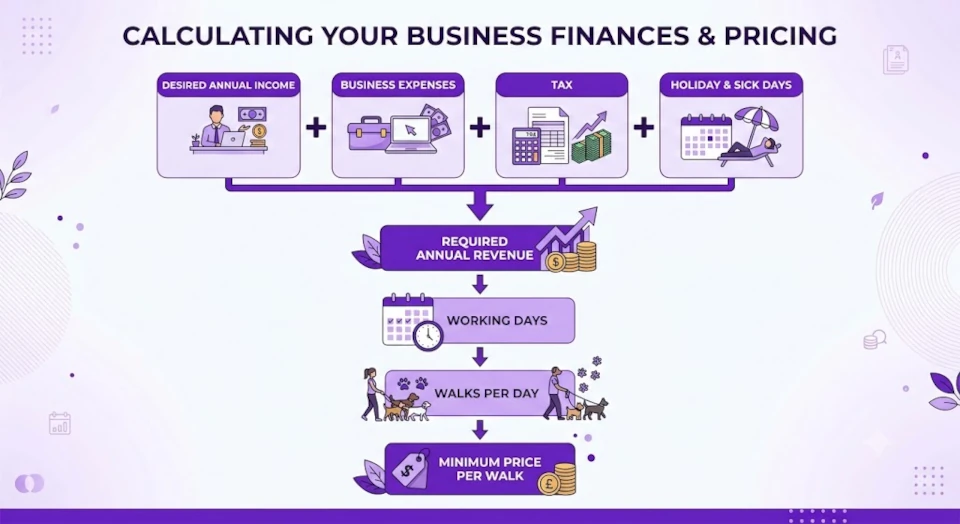
Dog walking pricing guide: How much should you charge?
Not sure what to charge for dog walking? Learn how to calculate profitable rates, cover your costs, avoid common pricing mistakes, and attract the right clients for your business.
22 May 2026
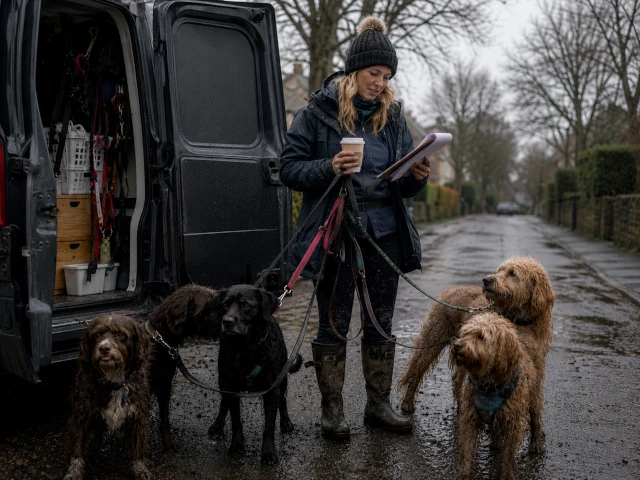
Calendars vs spreadsheets vs apps: What's best for managing dog walks?
Compare paper diaries, spreadsheets, calendars, and dog walking software to discover the best way to manage bookings, schedules, clients, and admin as your business grows.
27 April 2026
The true cost of a missed booking and how to prevent it
Missing a dog walking booking can cost more than just one walk. Learn the real impact on your business and how to prevent it with a simple system.