Product update - September 2026: Invoicing software for dog walkers
•Reading time: 3 minutes
We've been a little quiet recently, but there's a good reason. We've been working on something big: invoicing. You can now create, customise, send and keep track of professional invoices directly from your bookings in Leadr.
For dog walkers and pet care businesses, invoicing can quickly become another piece of admin to manage alongside bookings, clients, pets and payments. Our goal is to make that process simpler, so you can spend less time chasing invoices and more time running your business.
💷 Create invoices directly from your bookings
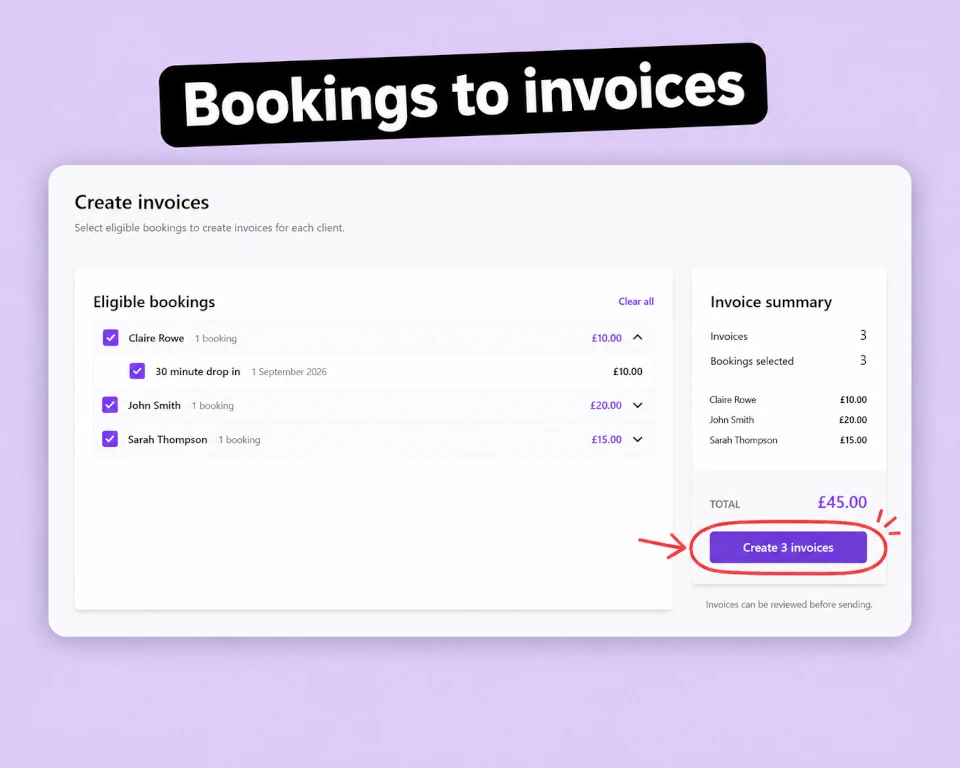
The biggest part of the new invoicing feature is the ability to create invoices directly from your bookings.
Instead of copying booking details into an invoice or manually typing it out, simply select the bookings you want to invoice.
Leadr brings the relevant information together for each client, including:
- Services
- Dates
- Amounts
- Bookings being invoiced
You can then review the invoice before sending it to your client.
Less admin. Fewer mistakes.
✏️ Review and customise your invoices
We've also added the ability to mark bookings as completed. Your invoice should reflect exactly what you're charging your client. That's why you can make changes before sending. You can:
- Add new line items
- Edit existing line items
- Remove items
- Adjust quantities
- Change prices
- Add additional information
This gives you the flexibility to make sure every invoice is accurate before it reaches your client.
📄 Send professional invoices
Once your invoice is ready, you can send it directly to your client.
Invoices provide your clients with a clear breakdown of what they're being charged, the services and bookings included, and when payment is due.
No more creating invoices manually.
And because the invoice is generated from your Leadr bookings, the information is already there when you need it.
✨ Keep track of your invoices
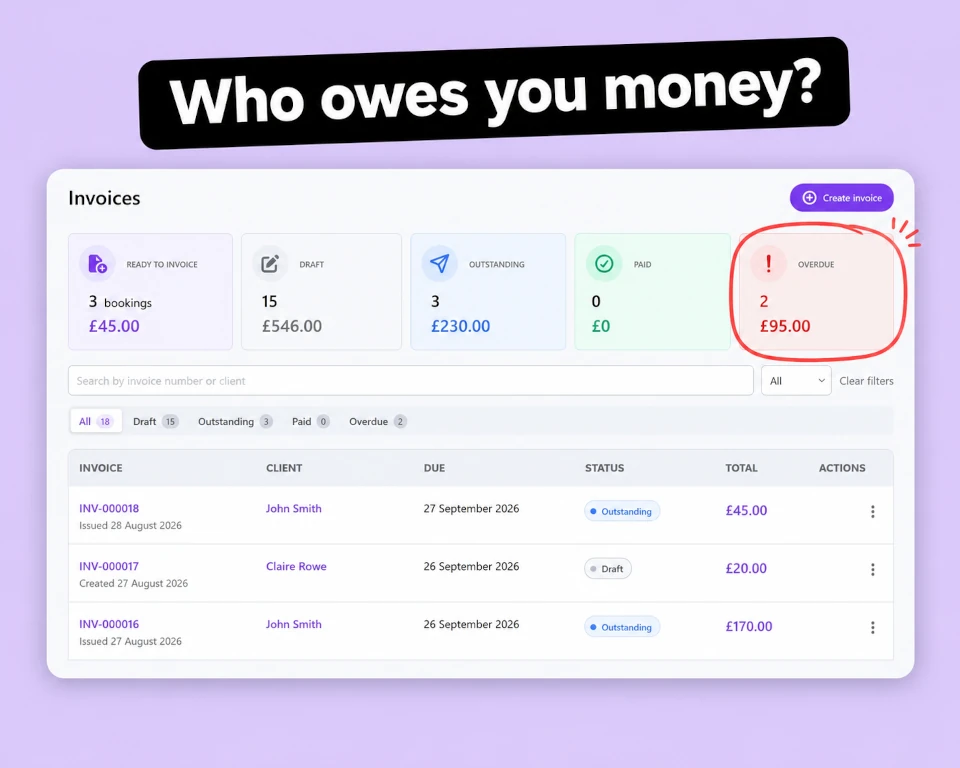
Creating invoices is only half the job. You also need to know what still needs your attention. The new invoice listing gives you one place to manage your invoices and see their current status. You can quickly see bookings that are Ready to invoice, as well as invoices that are:
- Draft
- Outstanding
- Paid
- Overdue
That means you can quickly identify which clients have been invoiced, which invoices are still waiting to be paid, and which need your attention.
A simpler way to manage invoicing
The new invoicing feature brings another part of your business administration into Leadr.
Instead of managing bookings in one place and creating invoices somewhere else, you can now move from booking to invoice without duplicating your work.
It's another step towards our goal of giving dog walkers and pet care businesses a simpler way to manage their day-to-day administration.
Get more tips in your inbox
Subscribe to our newsletter for practical guides and advice to help you grow your dog walking business.
Related posts
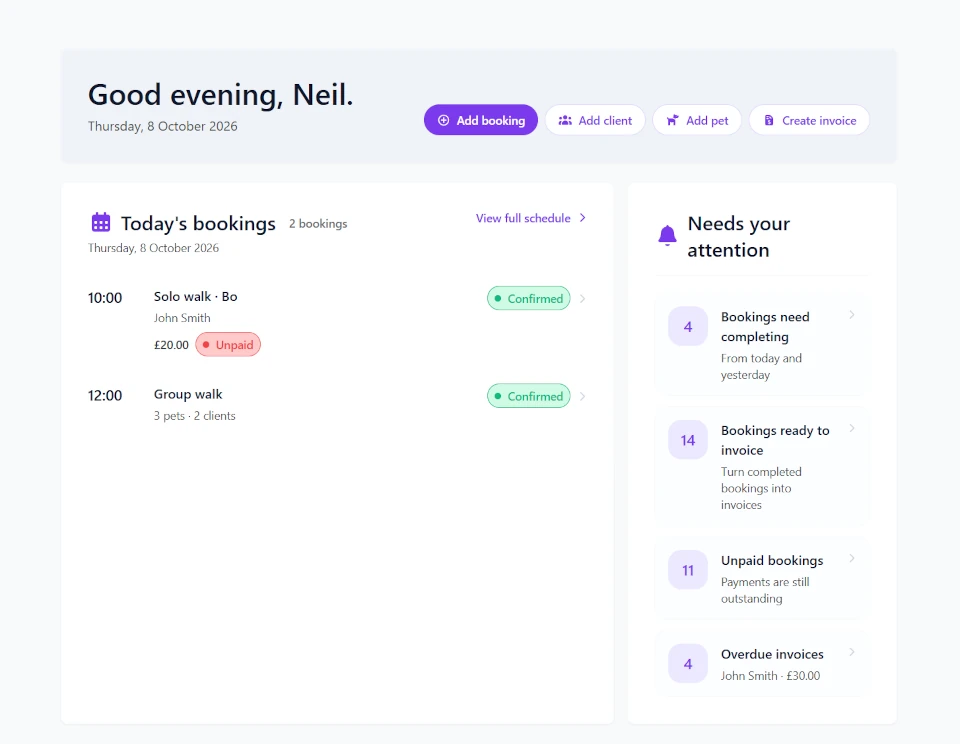
12 October 2026
Product update - October 2026: Operational dashboard, redesigned navigation and downloadable invoices
Manage your dog walking business more efficiently with Leadr's new operational dashboard. Get insights into bookings, clients, pets and payments at a glance.
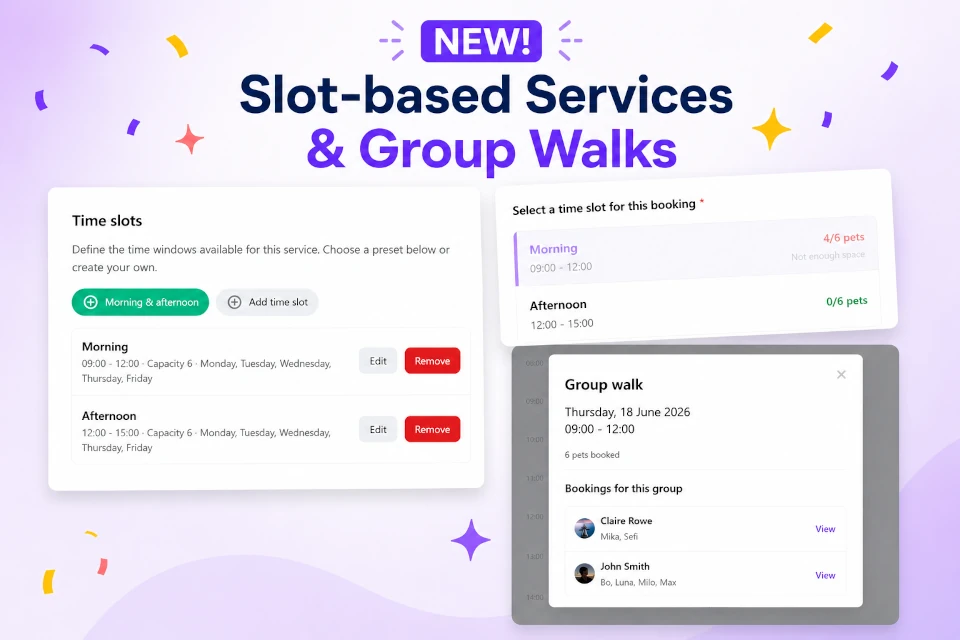
01 July 2026
Product update - June 2026: Group walks just got easier
Save time managing group walks with slot-based services, plus new booking management tools, profile photos, and usability improvements across Leadr.
26 May 2026
Product update - May 2026: Calendar
May brings a major calendar upgrade with day, week, and list views, plus smoother booking management.